售 价:¥
 9.8
9.8
温馨提示:数字商品不支持退换货,不提供源文件,不支持导出打印
为你推荐

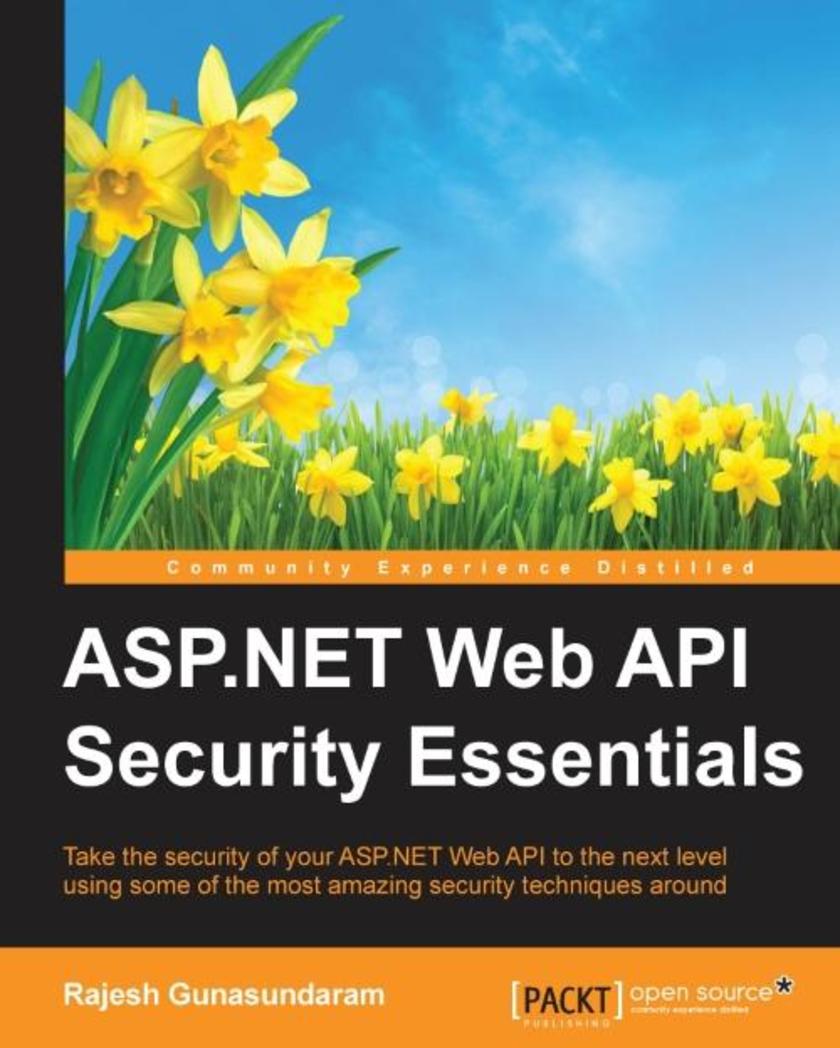
ASP.NET Web API Security Essentials
Table of Contents
ASP.NET Web API Security Essentials
Credits
About the Author
Acknowledgments
About the Reviewer
www.PacktPub.com
Support files, eBooks, discount offers, and more
Why subscribe?
Free access for Packt account holders
Preface
What this book covers
What you need for this book
Who this book is for
Conventions
Reader feedback
Customer support
Downloading the example code
Errata
Piracy
Questions
1. Setting up a Browser Client
ASP.NET Web API security architecture
Setting up your browser client
Implementing Web API lookup service
Adding a model
Adding a controller
Consuming the Web API using JavaScript and jQuery
Getting a list of contacts
Getting a contact by ID
Running the application
Authentication and authorization
Authentication
Authorization
Implementing authentication in HTTP message handlers
Setting the principal
Using the [Authorize] attribute
Global authorization filter
Controller level authorization filter
Action level authorization filter
Custom authorization filters
Authorization inside a controller action
Summary
2. Enabling SSL for ASP.NET Web API
Enforcing SSL in a Web API controller
Using client certificates in Web API
Creating an SSL Client Certificate
Configuring IIS to accept client certificates
Verifying Client Certificates in Web API
Summary
3. Integrating ASP.NET Identity System with Web API
Creating an Empty Web API Application
Installing the ASP.NET Identity NuGet packages
Setting up ASP.NET Identity 2.1
ASP.NET Identity
Defining Web API Controllers and methods
Testing the application
Summary
4. Securing Web API Using OAuth2
Hosting OWIN in IIS and adding Web API to the OWIN pipeline
Individual User Account authentication flow
Sending an unauthorized request
Get an access token
Send an authenticated request
Summary
5. Enabling Basic Authentication using Authentication Filter in Web API
Basic authentication with IIS
Basic authentication with custom membership
Basic authentication using an authentication filter
Setting an authentication filter
Action-level authentication filter
Controller-level authentication filter
Global-level authentication filter
Implementing a Web API authentication filter
Setting an error result
Combining authentication filters with host-level authentication
Summary
6. Securing a Web API using Forms and Windows Authentication
Working of Forms authentication
Implementing Forms authentication in Web API
What is Integrated Windows Authentication?
Advantages and disadvantages of using the Integrated Windows Authentication mechanism
Configuring Windows Authentication
Difference between Basic Authentication and Windows authentication
Enabling Windows authentication in Katana
Summary
7. Using External Authentication Services with ASP.NET Web API
Using OWIN external authentication services
Creating an ASP.NET MVC Application
Implementing Facebook authentication
Implementing Twitter authentication
Implementing Google authentication
Implementing Microsoft authentication
Discussing authentication
Summary
8. Avoiding Cross-Site Request Forgery Attacks in Web API
What is a CSRF attack?
Anti-forgery tokens using HTML Form or Razor View
How does an Anti-forgery token work?
Anti-forgery tokens using AJAX
Summary
9. Enabling Cross-Origin Resource Sharing (CORS) in ASP.NET Web API
What is CORS?
How CORS works
Setting the allowed origins
Setting the allowed HTTP methods
Setting the allowed request headers
Setting the allowed response headers
Passing credentials in cross-origin requests
Enabling CORS at various scope
Enable at action level
Enable at controller level
Enable CORS globally
Summary
Index

买过这本书的人还买过
读了这本书的人还在读
同类图书排行榜






 购物车
购物车 个人中心
个人中心