售 价:¥
 9.8
9.8
温馨提示:数字商品不支持退换货,不提供源文件,不支持导出打印
为你推荐

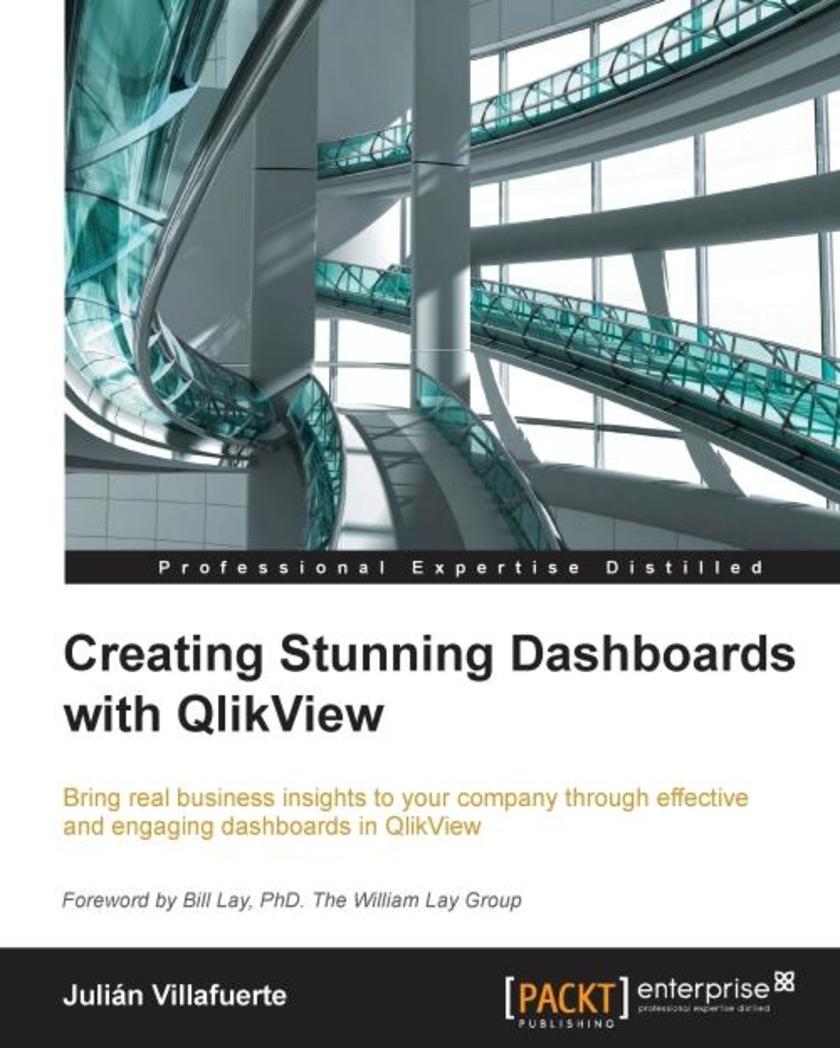
Creating Stunning Dashboards with QlikView
Table of Contents
Creating Stunning Dashboards with QlikView
Credits
Foreword
About the Author
About the Reviewers
www.PacktPub.com
Support files, eBooks, discount offers, and more
Why subscribe?
Free access for Packt account holders
Instant updates on new Packt books
Preface
What this book covers
What you need for this book
Who this book is for
Conventions
Reader feedback
Customer support
Downloading the example code
Downloading the color images of this book
Errata
Piracy
Questions
1. Know Your Battlefield, Devise Your Strategy
Dashboards in perspective
Step 1 – define your audience
Step 2 – spot the business need
Step 3 – choose the right KPIs
Metrics that matter
Step 4 – get to know your data sources
Step 5 – tell a story
Step 6 – enjoy the process
Creating the perfect dashboard
Don't overdo it
Embrace simplicity
Timely feedback
Summary
2. All about Dashboard Design Best Practices
Dashboard design best practices
Gestalt principles
Giving context to the data
Data-Ink Ratio
Avoiding chart junk
Balance
Excessive precision
3-D charts
Sorting
Alignment and distribution
Animations
Avoid scroll bars
Consistency
White space
Applying makeup
Meaningless variety
Choosing your weapon
Level of accuracy
Types of analysis
Bar charts
Dot plots
Line charts
Stacked area charts
Combo charts
Slope charts
Radar charts
Pie charts
Other area charts
Stacked bar charts
Scatter plots
Tables
Gauges and other forms of display for KPIs
Other representations
Summary
3. First Things First – The Dashboard Structure
Dashboard style
Document style
Fonts
Colors
Backgrounds
Design resolution
Layout and distribution
Filter panes
Filter presentation
Hidden Filter Pane
Current selections
General navigation
Tab row
Showing and hiding objects
Logos
Summary
4. It's Not Only about Charts
Text objects
More than simple labels
Displaying KPIs
Creating hierarchies
Selection prerequisites
Controlling variables
Transparent buttons
Creating switches
Interactive KPI display
Unconventional visualizations
Handcrafted dashboards
Tables
Spicing up tables
Adding colors
The visual cues tab
Expression attributes
Custom Format Cell
Traffic lights and icons
Traffic light gauges
Icons and images
Loading images to QlikView
Other visual cues
Embedding charts
Sparklines
Linear gauges
Mini bar charts
Tips and tricks – tables
Minimalistic tables
Spacing
Dimensionless tables
Removing zeroes and nulls
Stripes
Leave the hashtags for Twitter
Ad hoc analysis
Accumulation
Quirky tables
Reducing functionality
Summary
5. Handling "The Classics"
About "the classics"
Structure
Chart orientation
Formatting chart axes
Forced zero axis
Unwanted selections
Limited dimensions and scroll bars
To stack or not to stack
Changing the classic perspectives
Defending the indefensible – pie charts
Special icons
Let the color talk
Legen… wait for it… dary
Labeling best practices
Enhancing the classics: tips and tricks
Twin bar chart
Completion chart
Dot plot
Waterfall chart
Waterfall chart – Vol. 2
Control chart
Slope chart
Variance highlight
Line styles
Bar heat map
Summary
6. Creating Complex Visualizations
Histograms
Scatter plots
How to read this chart
Color highlight
Gauges, gauges, gauges!
Geographic representations
Is that a table?
The waffle chart
Table infographics
Heat maps
Overlapping objects
Range charts
Overlapping charts – other examples
Crusted line chart
Pie gauge
Area infographics
Extensions
Summary
7. Enhance Your QlikView Experience
Folder structure
Opening and closing scripts
Subroutines
Variables – making your life easier
Formulas and Set Analysis
Handling colors with variables
Backgrounds
Icons, symbols, and buttons
Color palettes
The object repository
Keeping in shape
Summary
8. Before You Go
Before the rollout
Locking objects
The application datasheet
In-chart help
The dashboard cover
Dashboard testing
Documentation and backups
The 10 commandments of QlikView design
After the rollout
Sell it!
Dashboard navigation course
Maintenance
Summary
Index

买过这本书的人还买过
读了这本书的人还在读
同类图书排行榜






 购物车
购物车 个人中心
个人中心